Customer Request
Capture the address, service issue, property, and preferred appointment window.

Independent software guidance, one search away.
HVAC SOFTWARE BUYING GUIDE
Explore HVAC software for scheduling service calls, dispatching technicians, managing equipment records, coordinating maintenance agreements, and turning completed jobs into estimates and invoices. Compare five real platforms and evaluate which requirements matter to your service business.
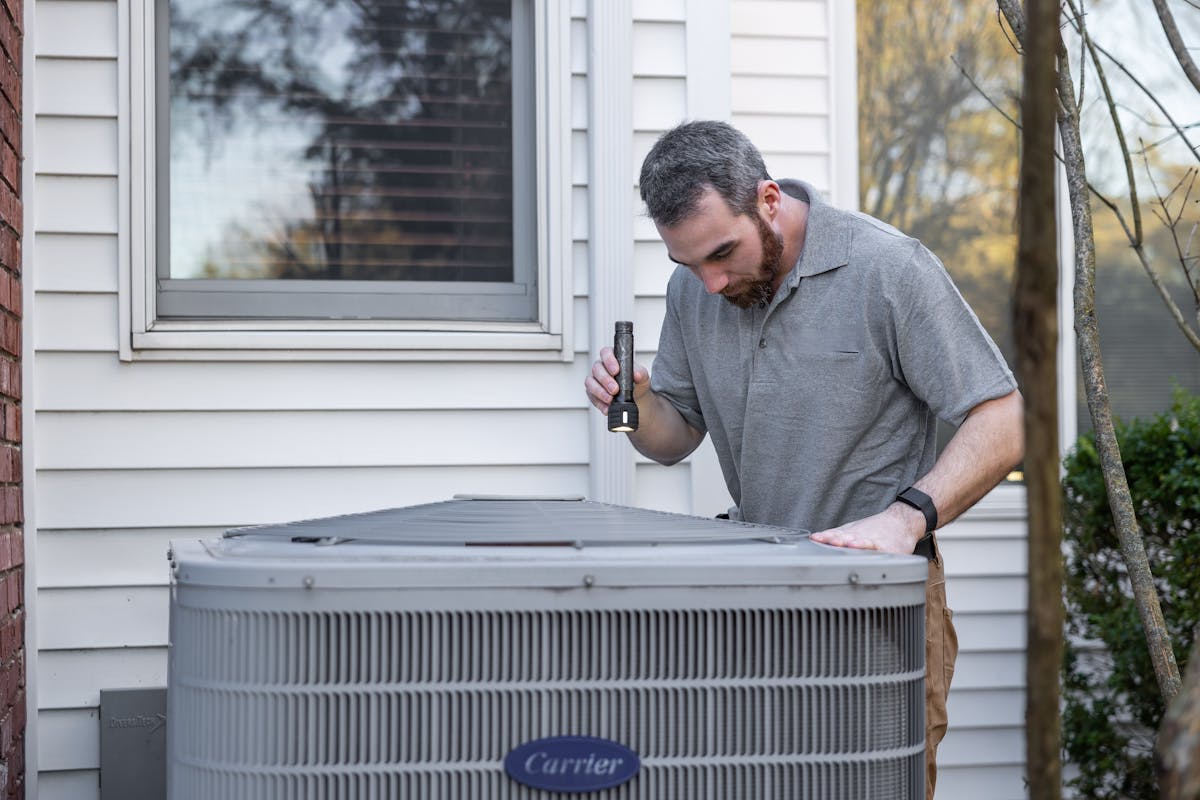
THE HVAC SERVICE JOURNEY
HVAC service software connects office activity with what happens in the field. A customer request becomes an appointment, a technician receives the job details, and the company maintains a record of the service performed. The exact workflow depends on the business and its chosen software.
Capture the address, service issue, property, and preferred appointment window.
Place the service call on a calendar and record relevant booking details.
Assign an available technician and share the appointment information.
Record work notes, equipment details, photos, and service outcomes.
Prepare the estimate or final invoice and follow the company's payment process.
Retain service history and plan future visits when required.
When a customer calls about a repeat equipment problem, office staff and technicians may benefit from having the property's service history in one place. During software demos, ask exactly how customer, location, equipment, and job records connect.
ESSENTIAL HVAC CAPABILITIES
The best feature list is the one that matches your company's actual work. Use these six areas to identify your priorities before requesting software demonstrations.
Manage tune-ups, urgent repair appointments, multi-day installations, and technician schedules. Useful scheduling software should make it easy to see open jobs, assigned technicians, and changes.
For HVAC work, the customer is only part of the story. A company may service several units at the same property. Asset records can help organize installation dates, model information, warranties, and previous repairs.
Seasonal inspections and service plans may need recurring scheduling, visit tracking, customer reminders, agreement terms, and renewal workflows. Billing automation is a separate capability to verify.
Small repair jobs and full-system replacements can involve very different quoting processes. Evaluate estimate approval, invoice delivery, payment options, and how the platform handles staged installation billing.
Field technicians may need job instructions, customer contact details, checklists, photos, notes, estimates, and payment tools. Check mobile access and offline limitations before committing.
As the team grows, owners may want to review job costs, unpaid invoices, technician activity, and maintenance workloads. Confirm which reports and accounting integrations are available in the required subscription.
RESEARCHED SOFTWARE DIRECTORY
These are five genuine software options with publicly documented field-service or HVAC capabilities. Their order does not represent a ranking. Explore each vendor's official information, then select up to three to compare your research priorities.
Field service management platform
Jobber's official HVAC documentation describes scheduling and dispatch, technician mobile access, estimates, invoices, customer records, recurring maintenance jobs, and job-costing tools.
How do recurring HVAC appointments work? Can each equipment unit have its own asset record? Which job-costing tools are included in your plan?
Home-service business management platform
Housecall Pro documents HVAC scheduling, dispatch, estimating, invoicing, memberships, equipment tracking, and reporting. Availability can vary by subscription package.
Which plan includes memberships and equipment tracking? How are seasonal maintenance visits booked and billed?
Field service and customer communication platform
Workiz describes an HVAC business management workflow involving dispatch, customer communication, service agreements, invoices, payments, and operational integrations. Check the exact scope of paid communication and automation options.
Are phone, messaging, and automation features included or separately charged? How do service plan schedules work?
Trade contractor operations platform
ServiceTitan's official HVAC pages discuss dispatch operations, equipment history, maintenance agreements, proposals, job costing, and business reporting. Evaluate implementation, onboarding, and commercial terms carefully.
What implementation work is required? How are service agreements managed? Which reporting and integration features fit your current company size?
Field service management platform
FieldPulse documents service job coordination, customer asset management, equipment history, warranty information, and maintenance agreement connections. Evaluate how these capabilities fit your HVAC property records.
Can you track several HVAC units at one address? Which asset templates, barcode tools, and reporting features are available in the plan?
Showing 5 researched platforms.
Editorial note: This is a source-based shortlist, not a performance ranking. Features, limits, pricing, and integrations can differ by plan or change after publication. Confirm your requirements directly with each vendor.
SIDE-BY-SIDE RESEARCH
Select two or three platforms using the checkboxes in the directory above. Compare documented research topics and the questions you should confirm during a product demonstration.
| Research area |
|---|
Comparison notes summarize selected vendor documentation. They do not confirm entitlement under any specific subscription plan, and they do not replace a live demo.
A KEY HVAC REQUIREMENT
HVAC maintenance often happens before a system fails. Service agreements can define the number of planned visits, included services, pricing, and customer obligations. Software may help connect those agreements to actual jobs.
For example, an HVAC company might offer a homeowner two scheduled visits each year. The office needs to know which visits were completed, whether reminders were sent, and when the agreement is due for review.
Example only. Actual maintenance timing depends on climate, equipment, customer agreements, and service requirements.
HVAC SOFTWARE BUDGET PLANNER
The base subscription is only part of your potential cost. Estimate recurring charges for office users, technicians, optional modules, and any one-time setup expenses. All starting values below are illustrative.
Monthly recurring cost
Estimates assume unchanged monthly charges and one setup fee. Taxes, discounts, variable usage, processing fees, and future price changes are excluded unless you incorporate them into your inputs.
PRE-PURCHASE CHECKLIST
Use this checklist when speaking with vendors. Mark each question after you have received a satisfactory explanation or demonstration.
Questions reviewed
COMMON BUYING QUESTIONS
Straightforward answers to help you prepare for software demonstrations and compare potential options.
EDITORIAL TRANSPARENCY
The purpose of this guide is to make HVAC software research more practical. These summaries rely on publicly available vendor documentation—not claimed hands-on testing of every platform.
Vendor documentation describes capabilities, but a feature appearing on an official website does not mean it is available in every subscription package.
Confirm the current price, included seats, implementation requirements, training, integrations, and cancellation policy before subscribing. Ask for a demonstration of the workflows you actually use.
Software descriptions are provided for editorial research. Platform inclusion does not constitute an endorsement, independent performance test, or ranking.
Research reference date: October 17, 2026.
This date identifies the research reference used to prepare the guide. It does not guarantee ongoing monitoring or up-to-the-minute product information.
YOUR NEXT STEP
Return to your shortlist, compare the documented information, and estimate costs before requesting software demonstrations.